
01
One system
Tickets, assets, attendance, visitors, patrols, and IoT / energy share a tenant. You turn workstreams on. You do not integrate six vendors.
Platform
Connect people, assets, tickets, visitors and security, and energy. Named agents recommend; people still close the work. Detect → Diagnose → Act → Verify → Learn. Roles decide who sees which site and record. That is plumbing, not a product tile.
01
Tickets, assets, attendance, visitors, patrols, and IoT / energy share a tenant. You turn workstreams on. You do not integrate six vendors.
02
Who can see which site, module, and record. A guard, a plant operator, a contractor, and a society office do not share a view — even when they share a building. Not a module.
03
Supervisors work the console. Guards, technicians, and desk staff work the Android and iOS apps. Same tenant, same permissions, same evidence.
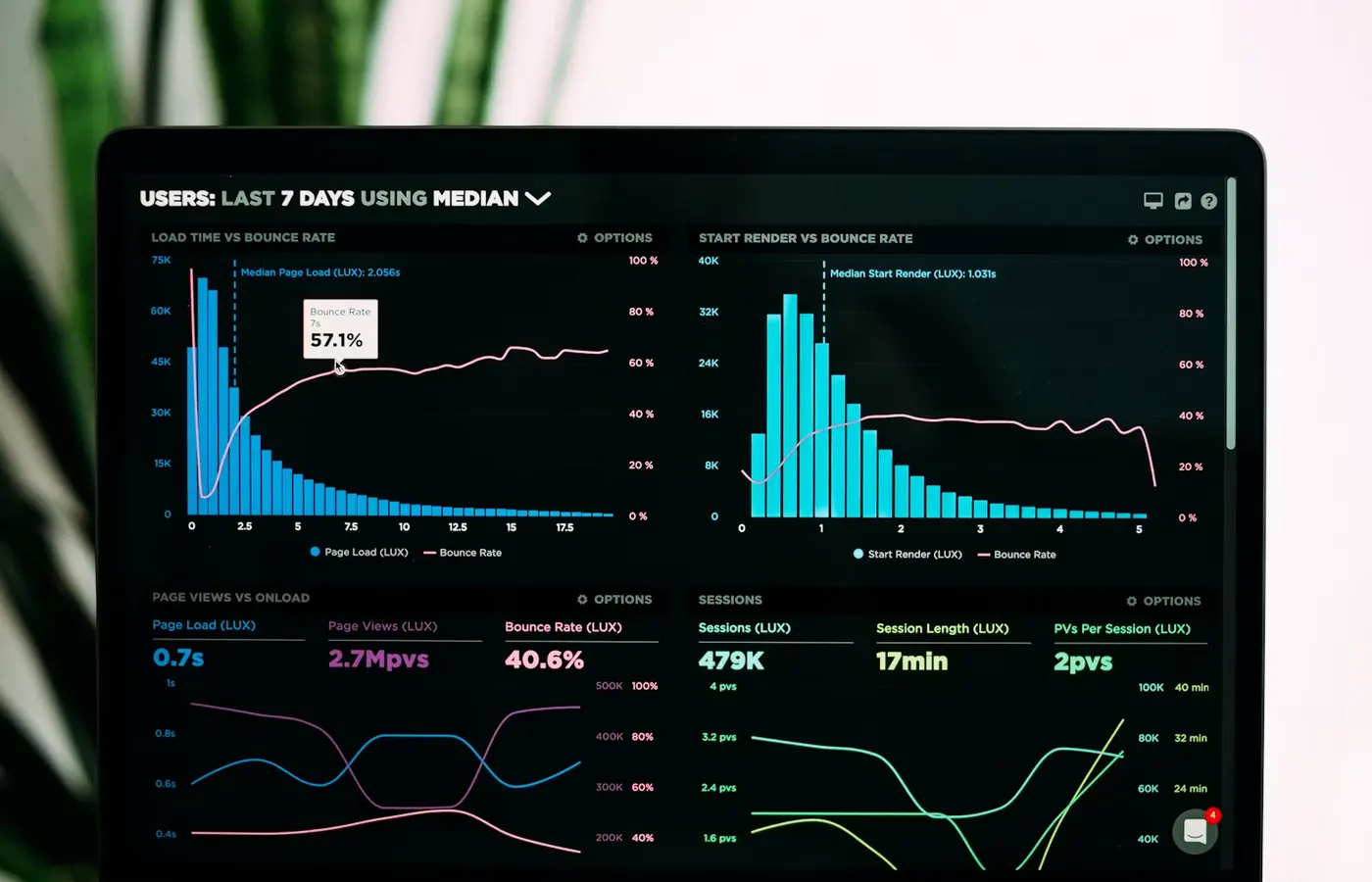
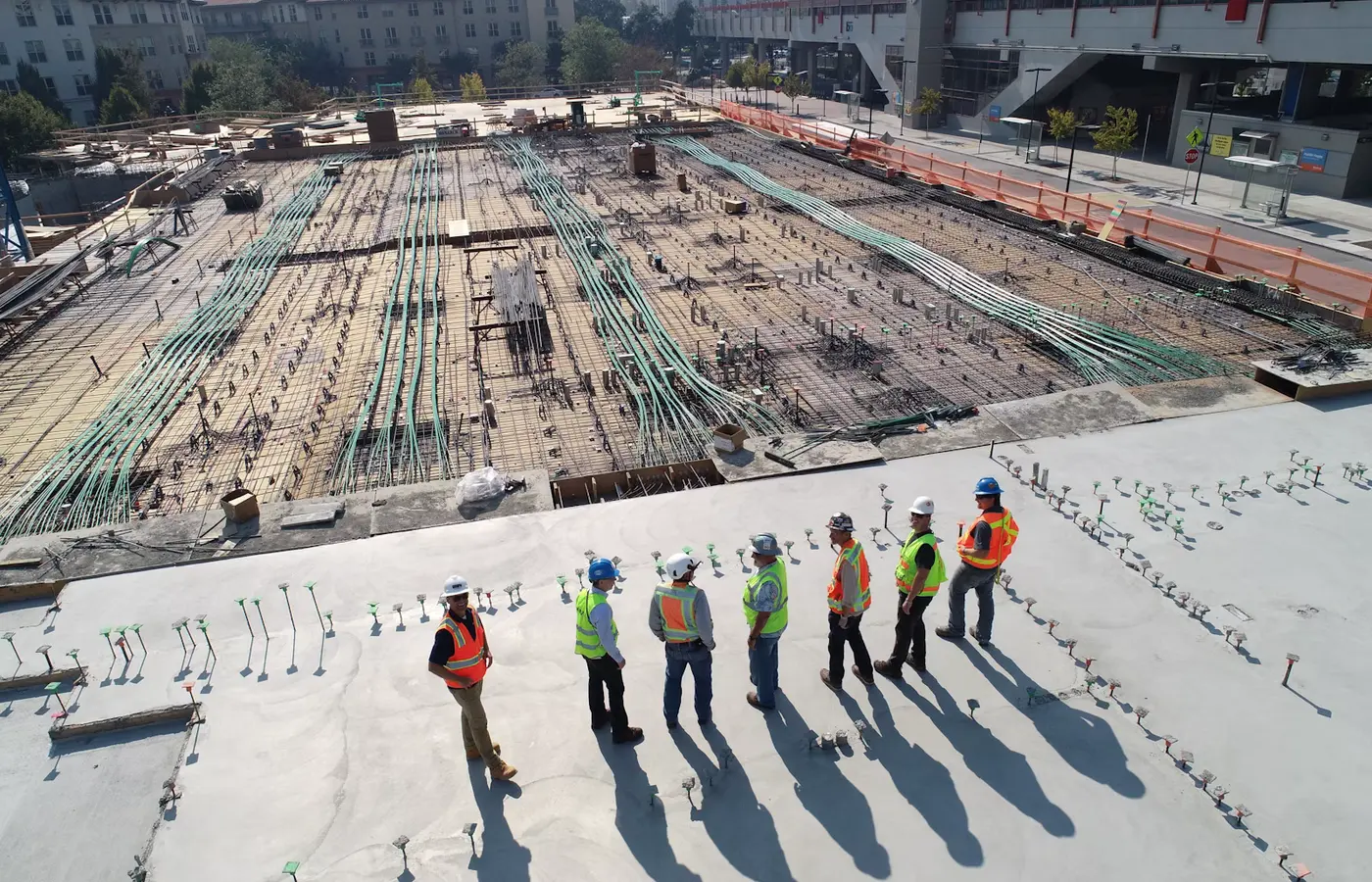
Multi-site and audit sit next to RBAC: one login across buildings, and a close record you can show. The table is a pattern, not a default org chart.
| Role | Usually sees | Usually cannot |
|---|---|---|
| Site lead | Cross-module picture for their sites | Another campus they do not own |
| Plant operator | IoT, assets, and work on assigned plant | HR registers or unrelated visitor history |
| Guard / desk | Patrols, visitors, incident tickets | Procurement, payroll, plant setpoints |
| Contractor supervisor | Own crew attendance and assigned jobs | Other vendors’ people or commercials |
Platform depth
Preventive maintenance, vendors, inventory, and a digital twin sit on the same objects. They are depth on assets and tickets — not extra tiles in the homepage grid.
PM sits on the asset and becomes work — not a separate product line.
The contractor on a ticket or AMC is the same vendor the site already knows.
Spares and POs live next to the asset, so a job can name the part.
A live view over assets and signals you already have — platform depth, not a tenth module.
Get started on the product, or start on the Android and iOS apps the floor already uses. Call or email if you already know the sites.